
CelSector Demo Save Transfer: Does Progress Carry Over?
How CelSector demo progress carries into the full game, where the save file lives on Windows, and what to do if the full build does not detect it.
Quick answer: Yes. CelSector's demo progress carries into the full game. The demo covers the first sector with a slice of the weapons, enemies and customisation, and the retail build reads the same save location. On Windows the save sits under %USERPROFILE%\AppData\LocalLow\YumamiSoft\CelSector.
The demo is not a separate story. It is the opening of the game with a content cap, which is why the transfer works. This page covers what carries, what does not and how to fix a missing save.
Copy the CelSector folder before you move a demo save. A bad transfer is easier to undo with a backup.
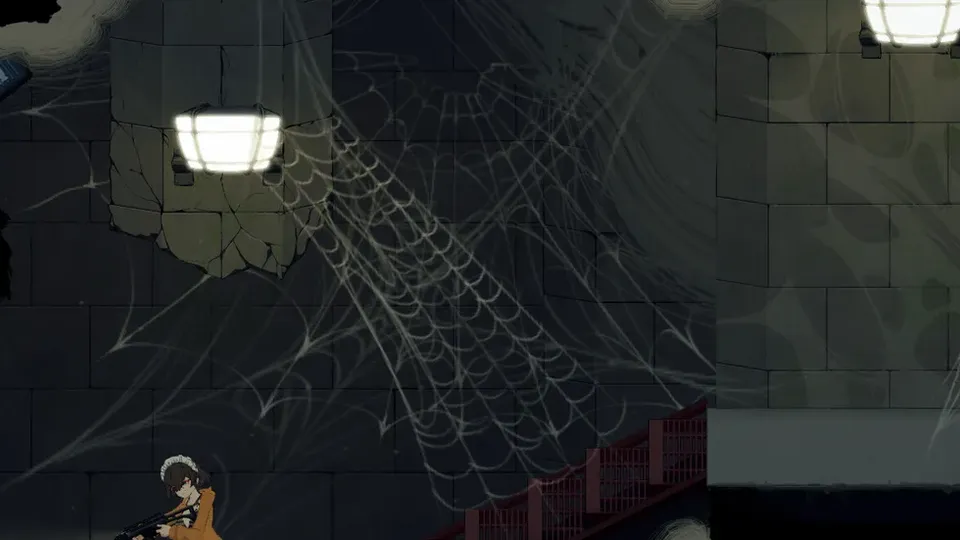
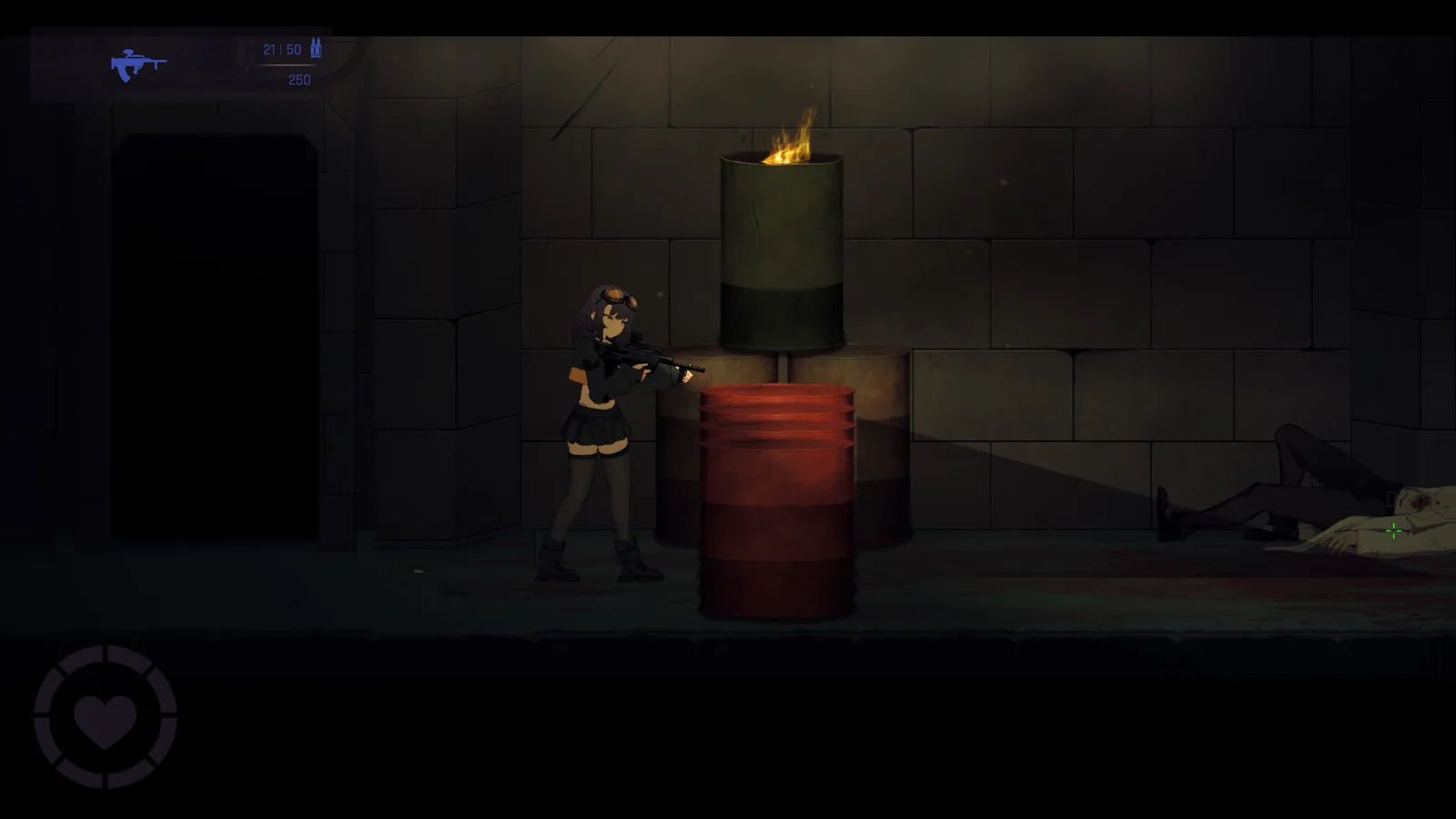
What the demo includes
The demo is the first sector with:
- The opening prison environment.
- A small enemy set, including the early mutants and the first hazards.
- Three weapons, including the starter pistol.
- The clothing customisation screen with a limited wardrobe.
- The status-effect system: slime, silk and the early parasite hazard.
It ends before the later sectors, so it cannot spoil the boss roster or the ending.
What carries over
- Story progress through the demo's content.
- Collected clothing from demo chests.
- Weapons found in the demo.
- Customisation presets you saved.
- Achievements that the demo build supports.
What does not carry is anything the demo does not contain: later-sector guns, the full clothing set, Hard mode progress and post-game flags. Those start from the retail build's own state.
How to transfer on Windows
- Keep the demo installed until you have launched the full game once.
- Install the full game.
- Launch it and check for a continue option on the main menu.
- If the save is not detected, close the game and locate the save folder:
C:\Users\<you>\AppData\LocalLow\YumamiSoft\CelSector - Copy the save files into the same path used by the retail build, then relaunch.
The folder name is the studio name, not the game name, which is why searching for "CelSector" alone can miss it.
If the save does not appear
- Check the build. The demo on Steam and the demo on itch.io may use different wrapper folders. Match the retail build to the demo you played.
- Check the profile. Windows user folders are per-account; a save made under another Windows user will not appear.
- Launch once, then copy. Some builds create the retail save folder on first launch. Copy after that.
- Do not delete the demo save until the retail build shows your progress.
If the transfer still fails, the fallback is a fresh start. The demo is short and the first sector is the best place to relearn the controls.
Should you play the demo first?
If you are unsure about the game, yes. The demo shows the combat loop, the grab system and the customisation without the later difficulty spikes. If you already know you will play the full game, starting in the demo and carrying over saves time.
The one caveat: the demo's content cap means you cannot earn the later-sector achievements there. Do not grind for completion in the demo.
Demo vs full game
| Feature | Demo | Full game |
|---|---|---|
| Sectors | First sector | Six sectors |
| Weapons | Three | Thirteen |
| Clothing | Limited set | Full set with 16 layers |
| Hard mode | Not the retail mode | Yes |
| Post-game | No | Gallery, Sandbox Room, cheats |
| Save transfer | — | Carries into retail |
The full walkthrough→ shows how much is left after the demo.
FAQ
Does the demo save carry to Steam? Yes, if both builds use the same save path. Copy the folder if the retail build does not detect it.
Can I earn achievements in the demo? Only the ones the demo build supports. The later-sector flags need the full game.
Where is the save file?
%USERPROFILE%\AppData\LocalLow\YumamiSoft\CelSector.
Does the demo include Hard mode? No. Hard is part of the retail build's difficulty options.
Sources
Official source: CelSector on Steam ↗ · CelSector demo on itch.io ↗ · Steam news and patch notes ↗